Network Topology
● activeversion5.4.0
zabbix7.0 LTS + 7.4
typefrontend
licenseAGPL-3.0
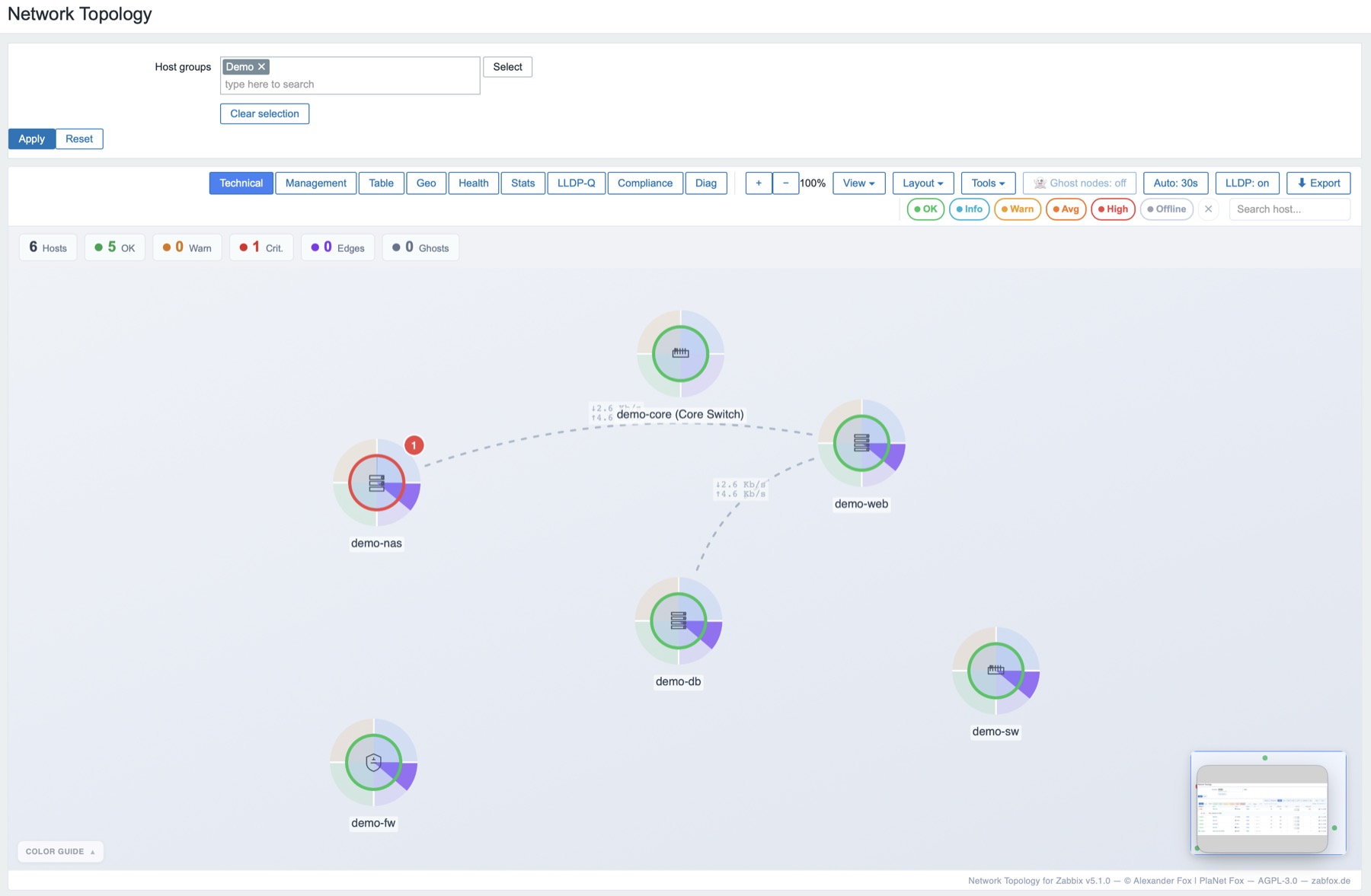
Visualise hosts, host groups and connections as an interactive map. Problems, traffic, health and geo data — right where you need them.
quick install
# Directory MUST be named network_topology
cd /usr/share/zabbix/ui/modules
sudo unzip ~/Downloads/network_topology.zip
sudo chown -R root:root network_topology
sudo systemctl reload php8.3-fpm
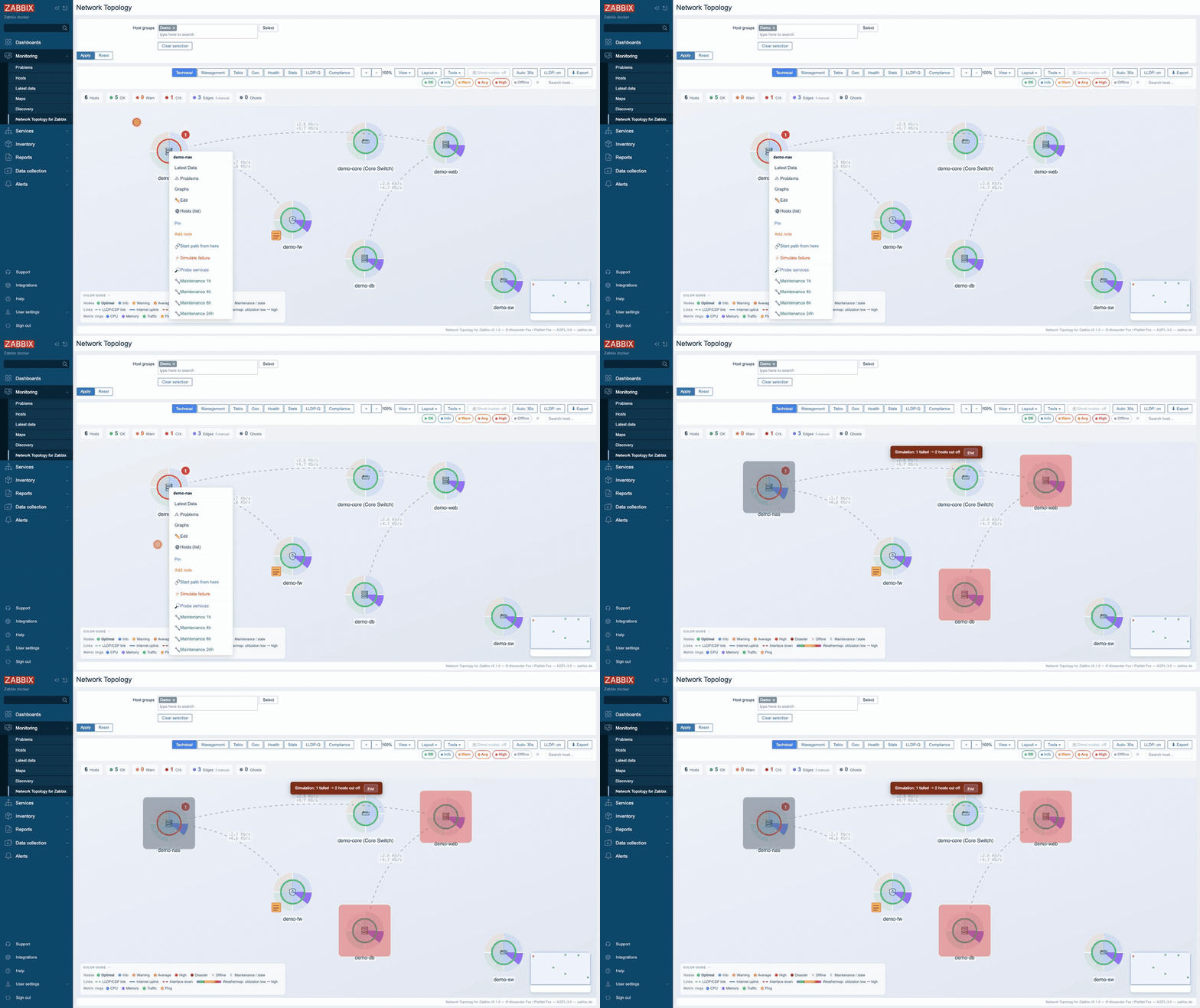
Technical
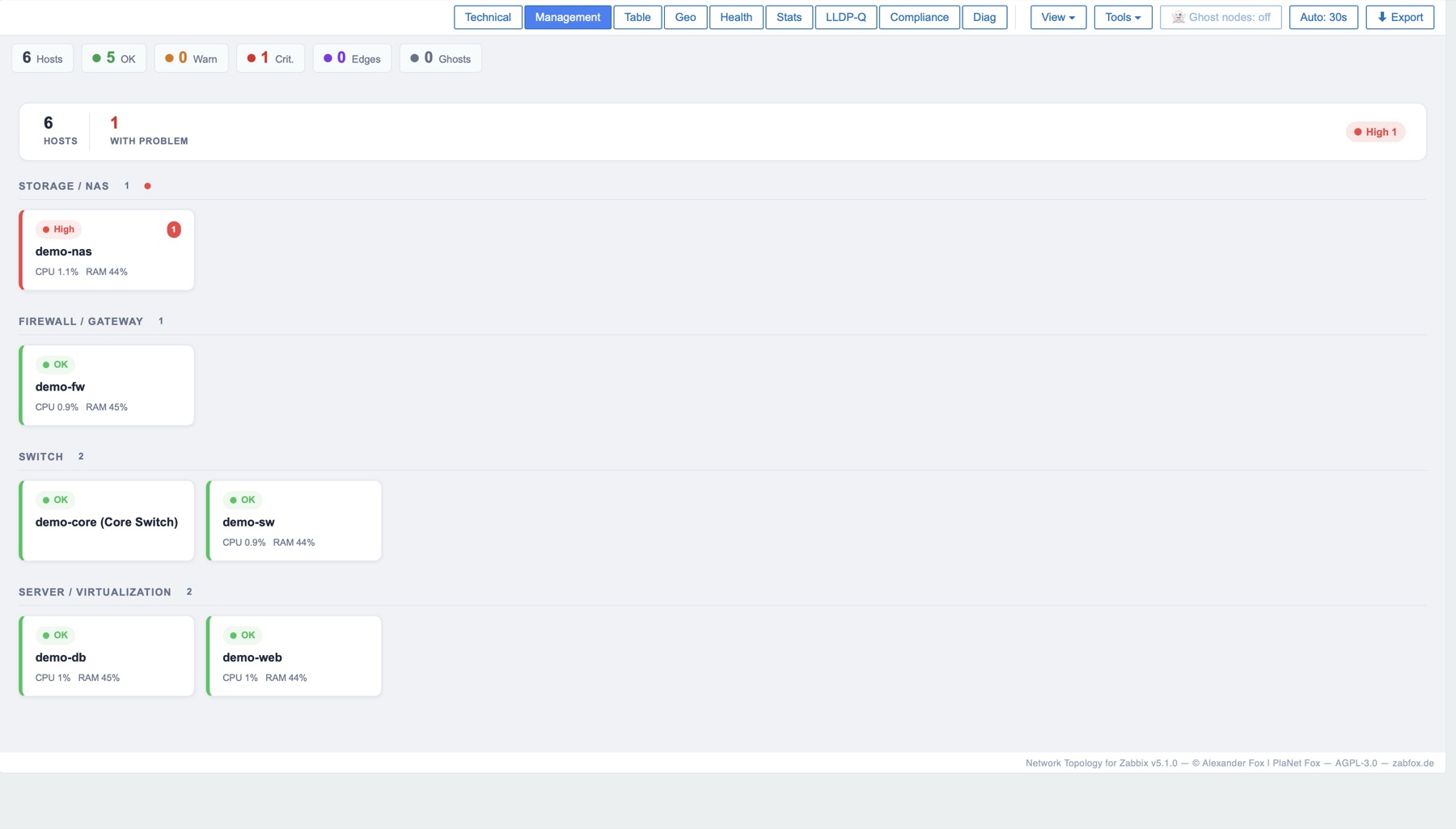
Management
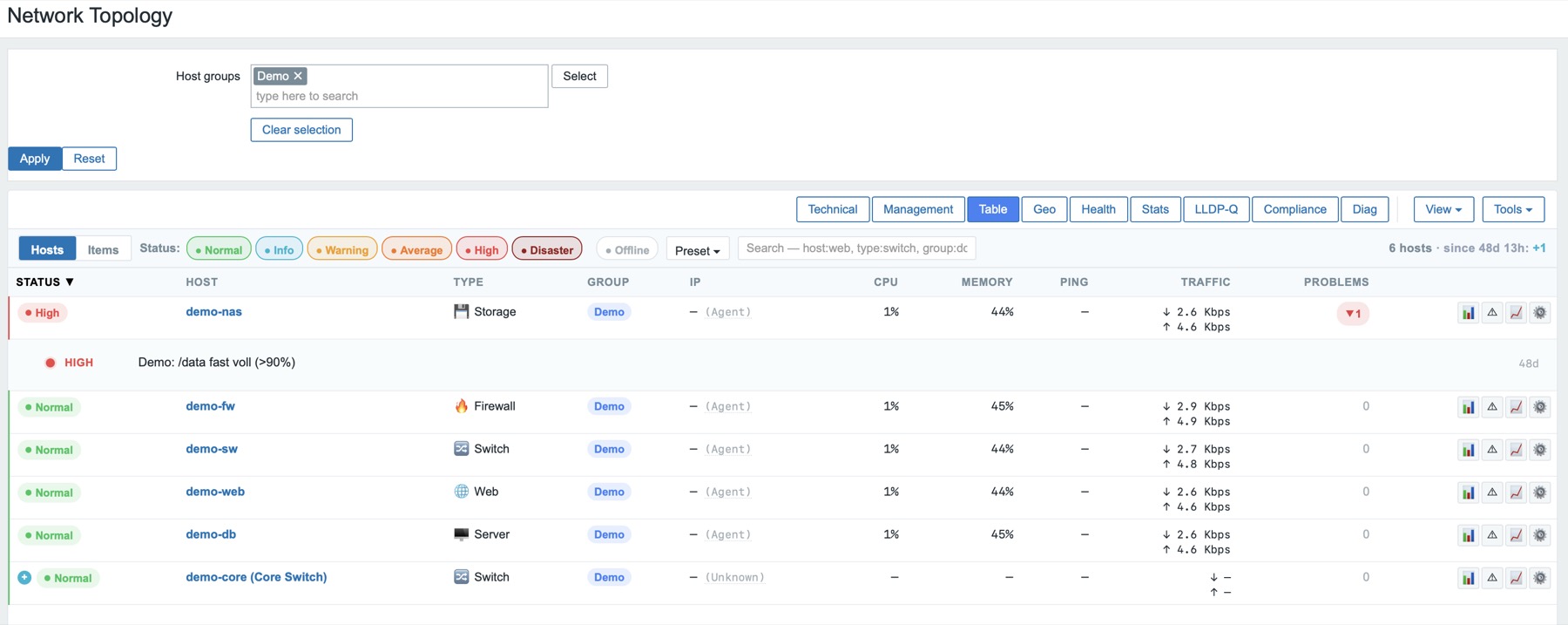
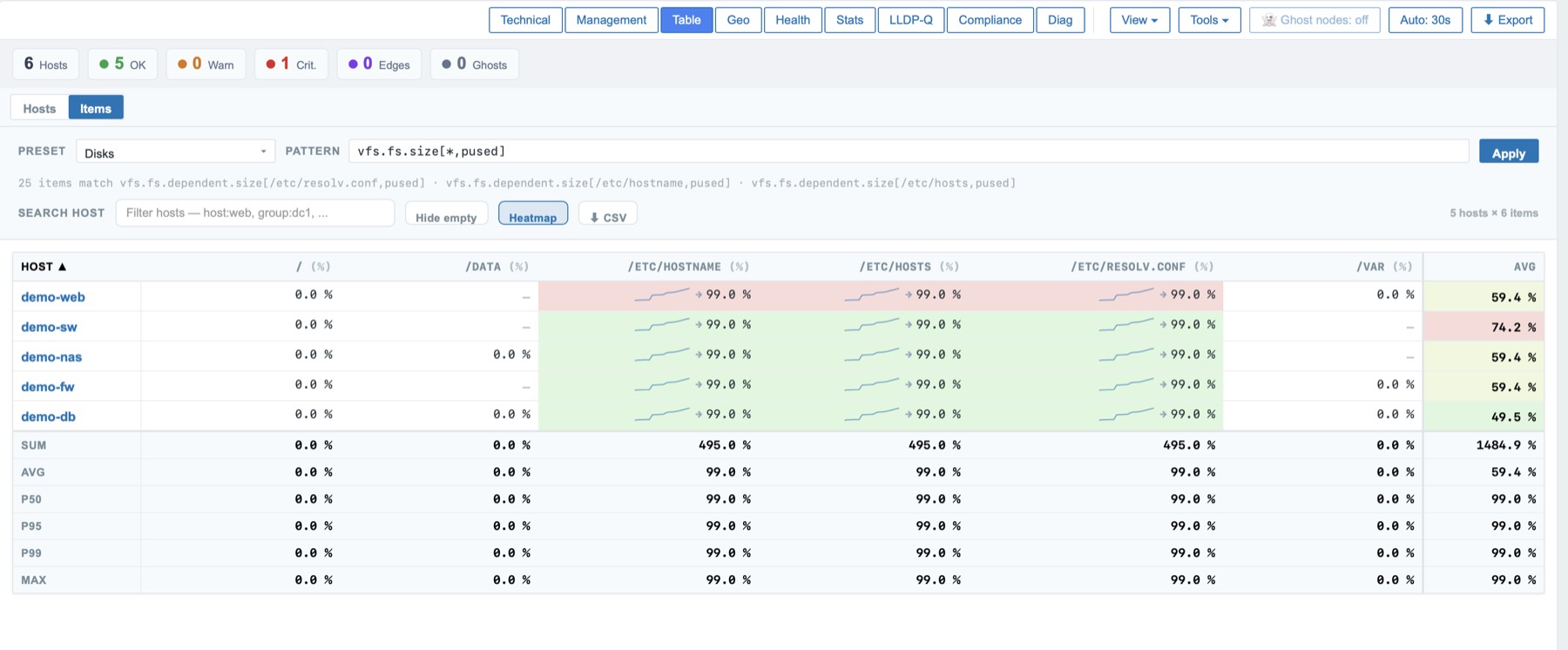
Table
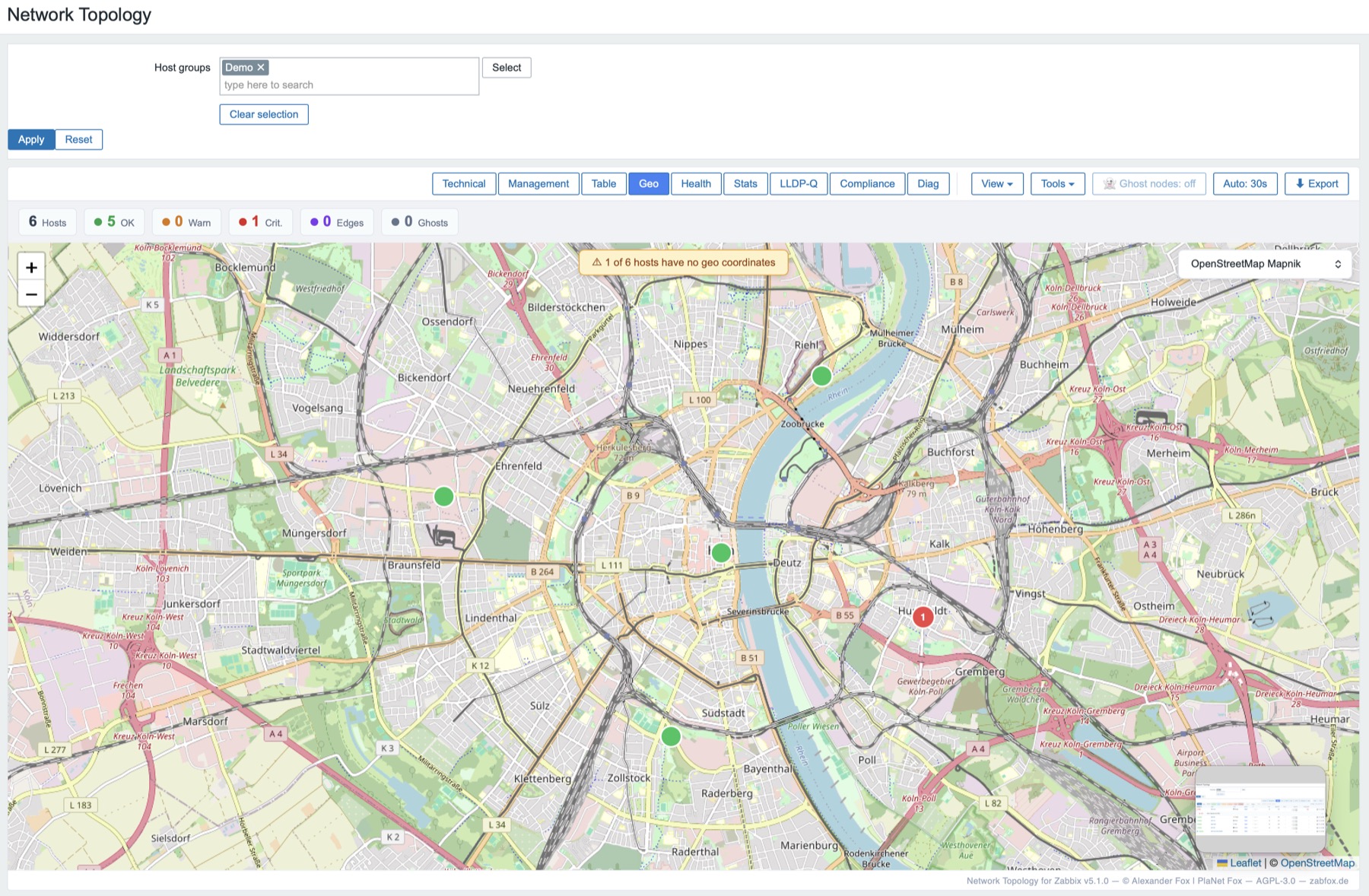
Geo
overviewfeaturesinstallationchangelogscreenshots
→
TechnicalForce graph with severity rings & metric segments.
→
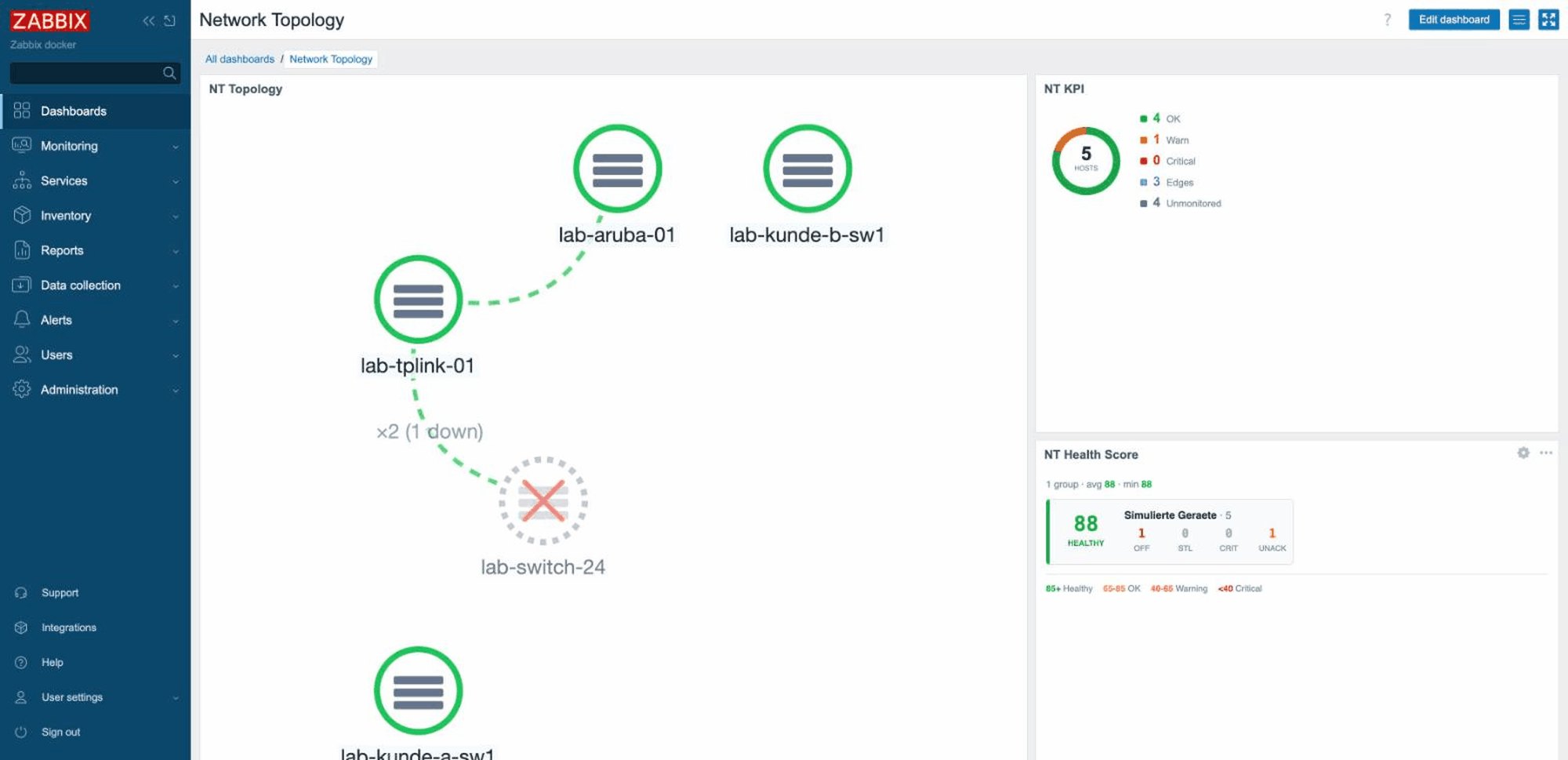
ManagementWallboard tiles by device type.
→
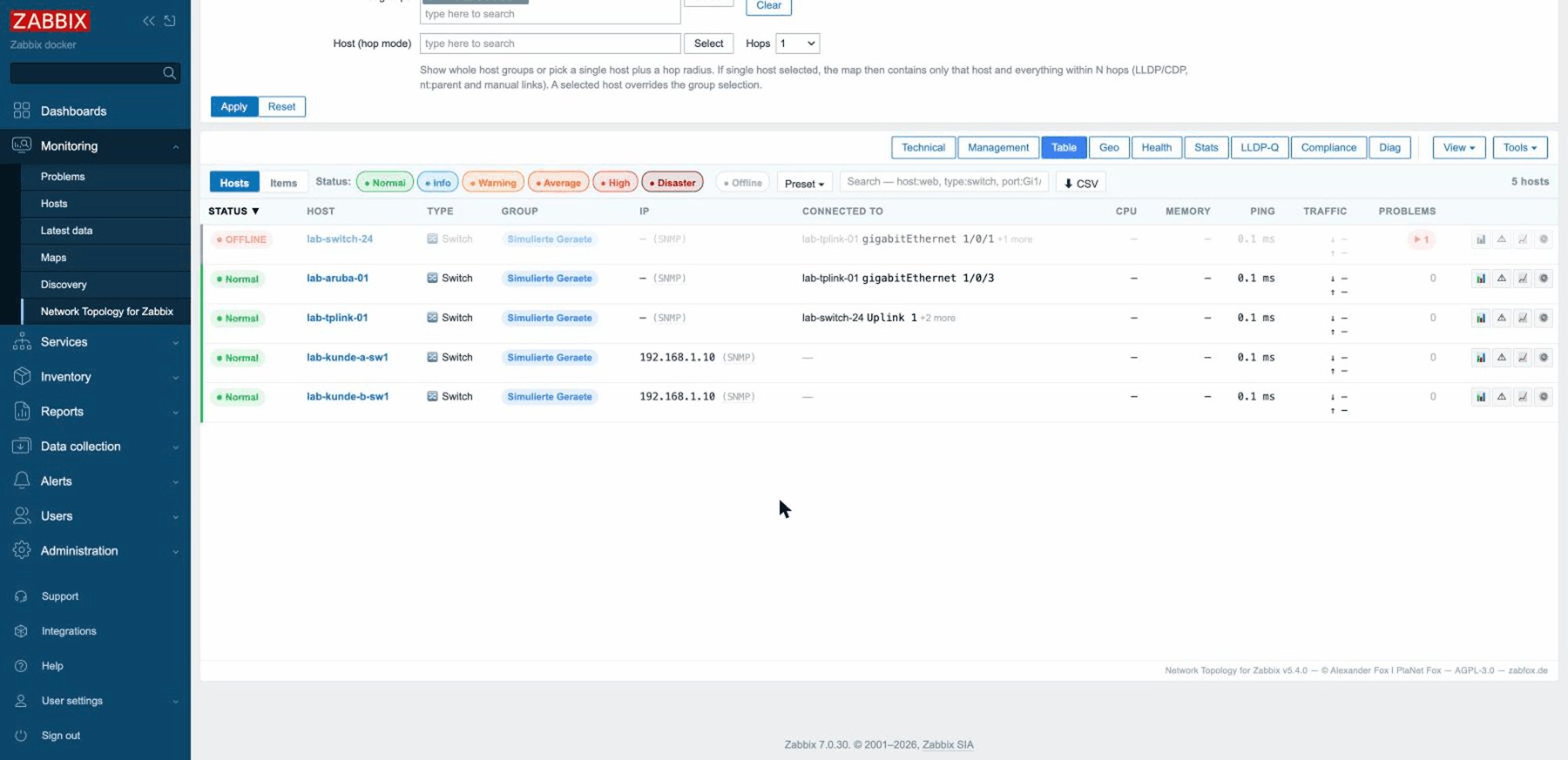
TableHost list & item pivot, Nagios-style.
→
GeoLeaflet map from the host inventory.
→
WeathermapMeasured per-link utilisation as edge colour.
→
What-if & Root-CauseSimulate an outage, see the hosts cut off.
+
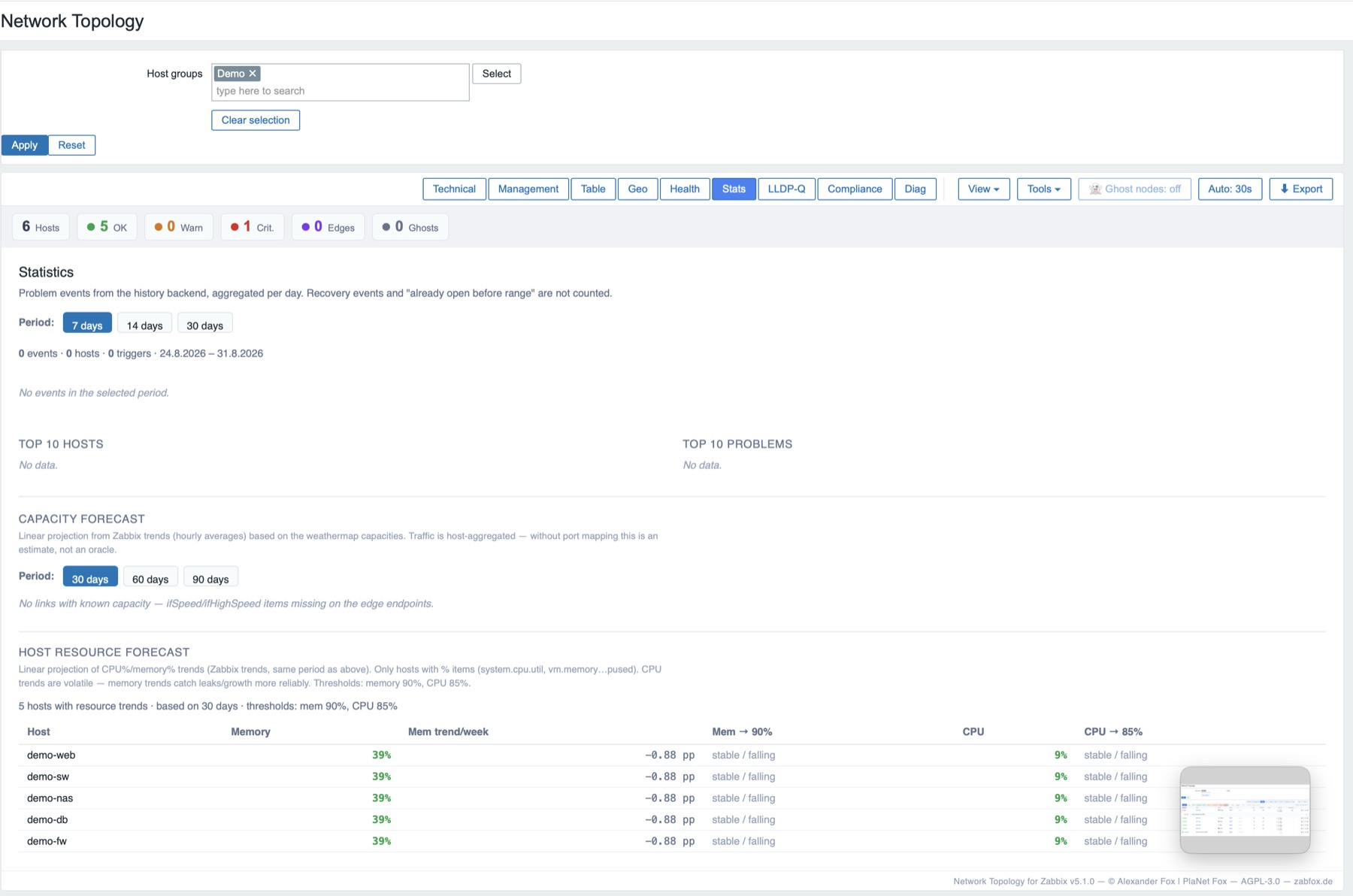
Kapazitäts-ForecastTrend forecast per host/group.
+
History-SliderStatus at any point in time.
+
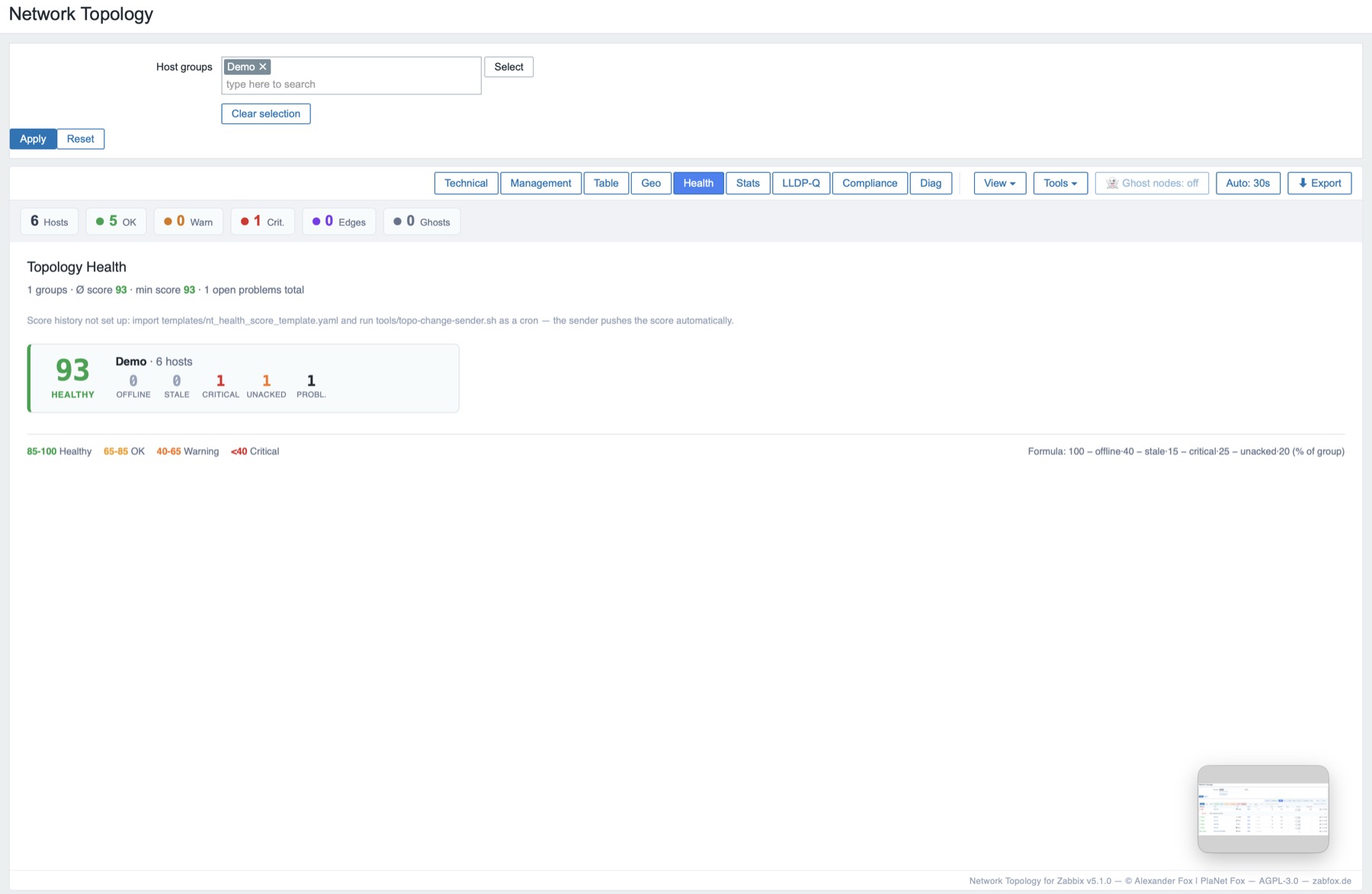
Health-ScoreAggregate per host group.
+
LLDP/CDPAuto-discovery of connections.
+
UniFi-UplinkNeighbours from the UniFi controller view (uplink.id).
+
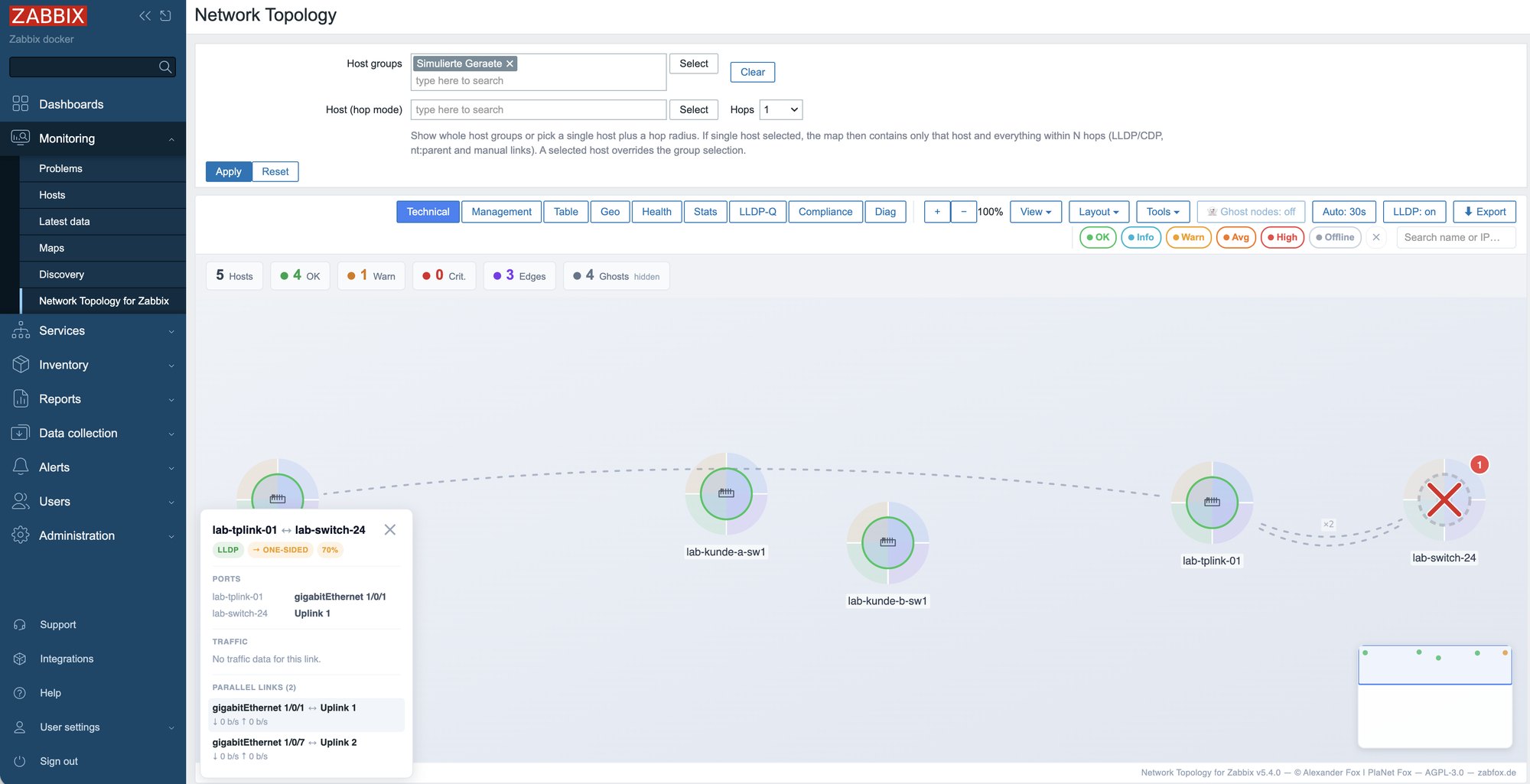
Port-zu-PortPort labels on both ends, per-link utilisation.
+
Ghost-KnotenLLDP/CDP neighbours with no host as ghosts on the map.
+
Custom-Tagsnt:icon · nt:note · nt:link.
+
Dark-Mode & WallboardFull screen, auto-refresh, mini-map.
Requirements: Zabbix 7.0 LTS or 7.4, PHP with php-fpm, write access to modules/. No build tools needed.
1 · hauptmodul
cd /usr/share/zabbix/ui/modules
# Release zip or git (directory MUST be named this):
sudo git clone https://github.com/linuser/zabbix-network-topology.git network_topology
sudo chown -R root:root network_topology
sudo systemctl reload php8.3-fpm
Recommended: the release ZIP — leaner than cloning, without tools/, tests/ and source maps.
Then in the UI, enable Administration → General → Modules → Scan directory. Open via Monitoring → Network Topology for Zabbix.
v5.4.0
Parallel links — a line per cable
LACP bundles fan out on zoom into one edge per cable (own ports, traffic, utilisation); far-end port column + CSV export in the table.
LACP bundles fan out on zoom into one edge per cable (own ports, traffic, utilisation); far-end port column + CSV export in the table.
v5.3.2
Reporter fixes + two new tags
short MAC names & duplicate IPs no longer create false edges, net.if.in counters are read; nt:uplink and nt:lldp as manual tags.
short MAC names & duplicate IPs no longer create false edges, net.if.in counters are read; nt:uplink and nt:lldp as manual tags.
v5.3.1
TP-Link JetStream discovery
handles the missing TimeMark in the neighbour index — discovery now finds the neighbours.
handles the missing TimeMark in the neighbour index — discovery now finds the neighbours.
v5.3.0
Edge details, paths & GraphML
Clicking an edge opens a detail panel with port info; plus path computation, confidence scoring, stale-link tracking, GraphML export and an automatic group view for very large maps.
Clicking an edge opens a detail panel with port info; plus path computation, confidence scoring, stale-link tracking, GraphML export and an automatic group view for very large maps.